Build a bridge. Storm the keep.
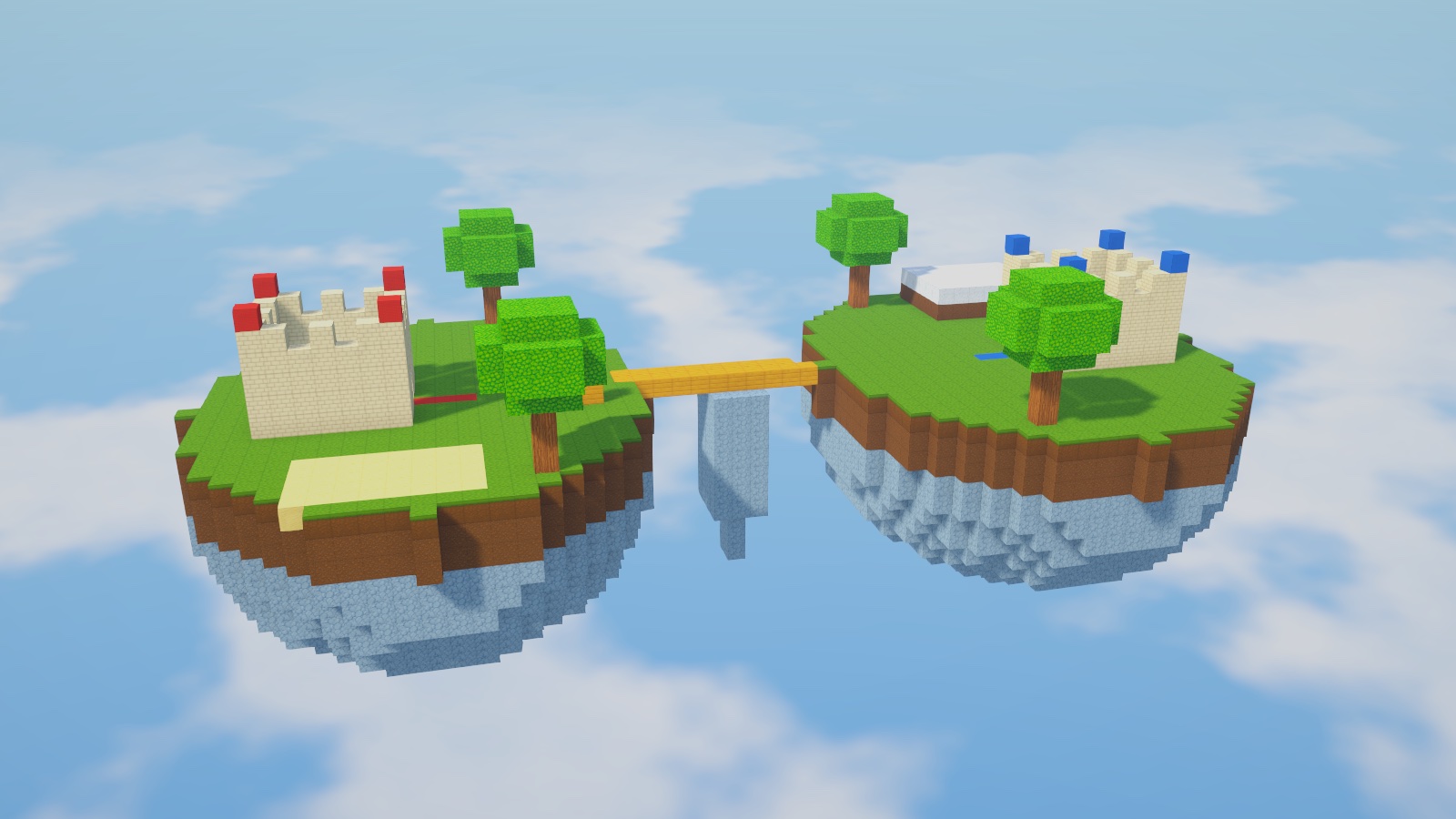
Brickhold is a block-building game you play with your friends. Party up, pick a game, and build your way across the sky.
Free. An early test version, so things will change.
Get the game
Download the game for your computer and play: an installer for Windows, a zip for a Mac. The game asks only for a nickname.
Windows
Windows 10 or 11
74 MB · version of 23 November 2026
The first time you open it
- Open Brickhold Setup, the file you downloaded.
- Windows may say it protected your PC. Choose More info, then Run anyway.
- It installs in a moment, for you alone, with no password. Brickhold is then in the Start menu and on your desktop.
Mac
macOS 11 or newer, Apple silicon or Intel
99 MB · version of 23 November 2026
The first time you open it
- Open the zip. Brickhold appears beside it.
- Open Brickhold. Your Mac will say it cannot check the app.
- Open System Settings, go to Privacy & Security, scroll down and choose Open Anyway.
On an older Mac, right-click Brickhold and choose Open instead.
Play it with your friends
- Pick a nickname the first time you start the game.
- Add your friends by their nicknames and invite them to your party.
- The party leader picks a game. Everyone presses Accept, then the leader presses Start.
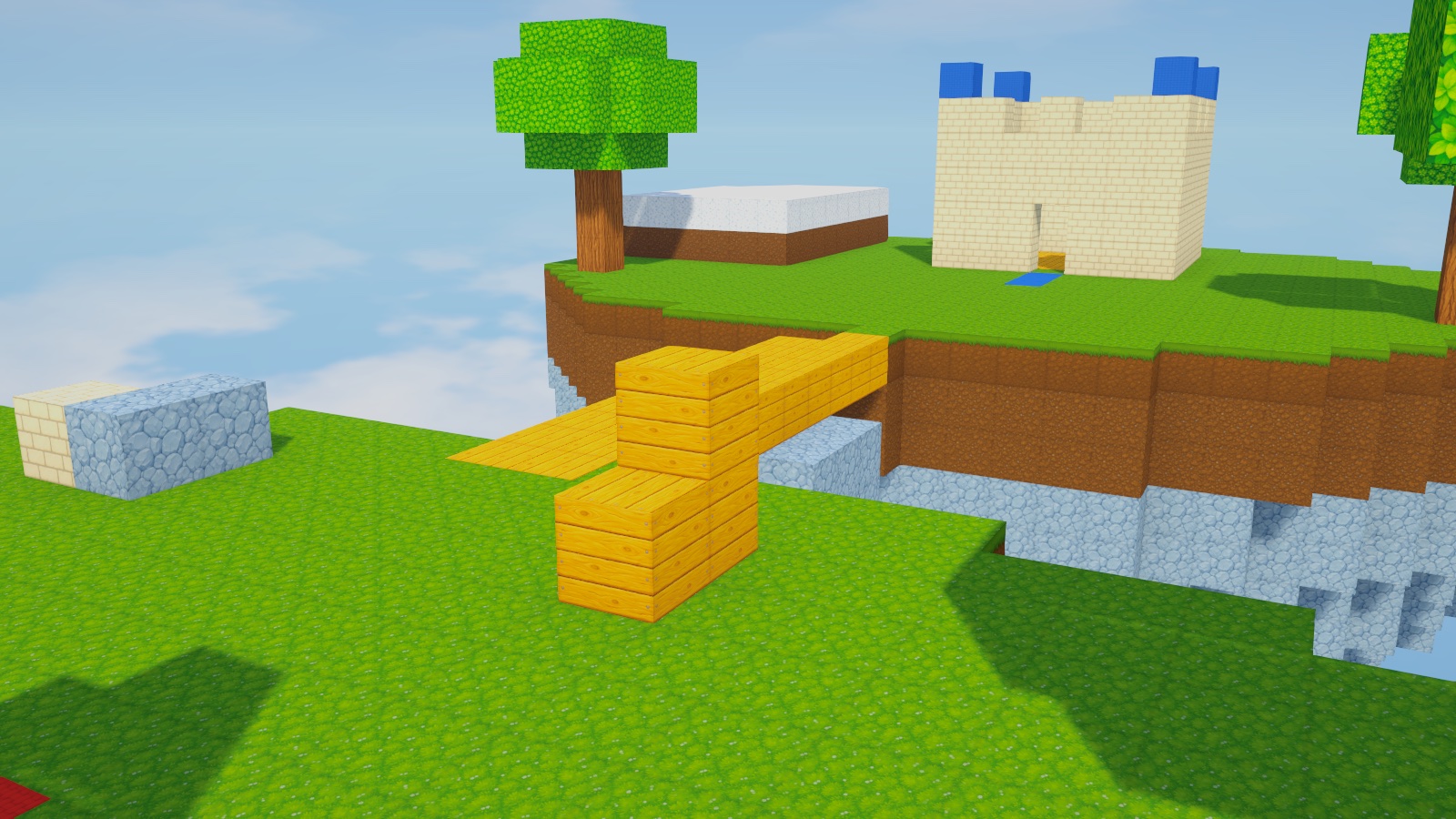
In this version: build together in Sandbox; play Bridge Rush, plain or in its stadium, bridging to the other keep and jumping into its goal; or play Keepfall, where four teams guard a Heart each, gather coins at their forge, buy planks, armour, fireballs and upgrades for the whole team from their shopkeeper, and the last team standing wins. Each game has its own background sound and music.
- W A S D
- walk
- Space
- jump
- Shift
- sneak, so you cannot fall off an edge
- Ctrl
- run; a quick double tap of W does it too
- Left click
- attack, or hold to break a block
- Right click
- place a block, hold to keep placing; with a bow, hold to draw and let go to shoot; throw a fireball or hold to eat; at a shopkeeper, open the shop
- Middle click
- pick the block you aim at
- 1 – 9
- choose what you hold; the wheel does it too
- E
- see and sort what you carry
- Q
- drop what you hold, in games that allow it
- F5
- change the view
- Tab
- see who is playing
- F2
- take a screenshot
- F11
- full screen
- Esc
- the menu
Any key can be changed in Settings.
Make your own game
Tell the game maker bot what you want, in your own words: a race, a hill to hold, a floor that falls away. It changes the game, a game server tests every change, and you play it with your friends in Brickhold. An early test, on a computer or a tablet beside the game.
For parents
Brickhold has no text chat. It asks for no email address and no real name: a player picks a nickname, and every nickname is checked before it is allowed. Friends are added only by typing their exact nickname.
The game maker is an AI helper that talks only with the child making the game, and only about the game. Every word that goes into a game is checked before it is saved, and a game is played only by its maker and the maker's friends.